Bonrix CRM & Auto Dialer – Telecaller Management Solution

Revolutionizing Telecalling for MSMEs: Bonrix CRM & Auto Dialer System
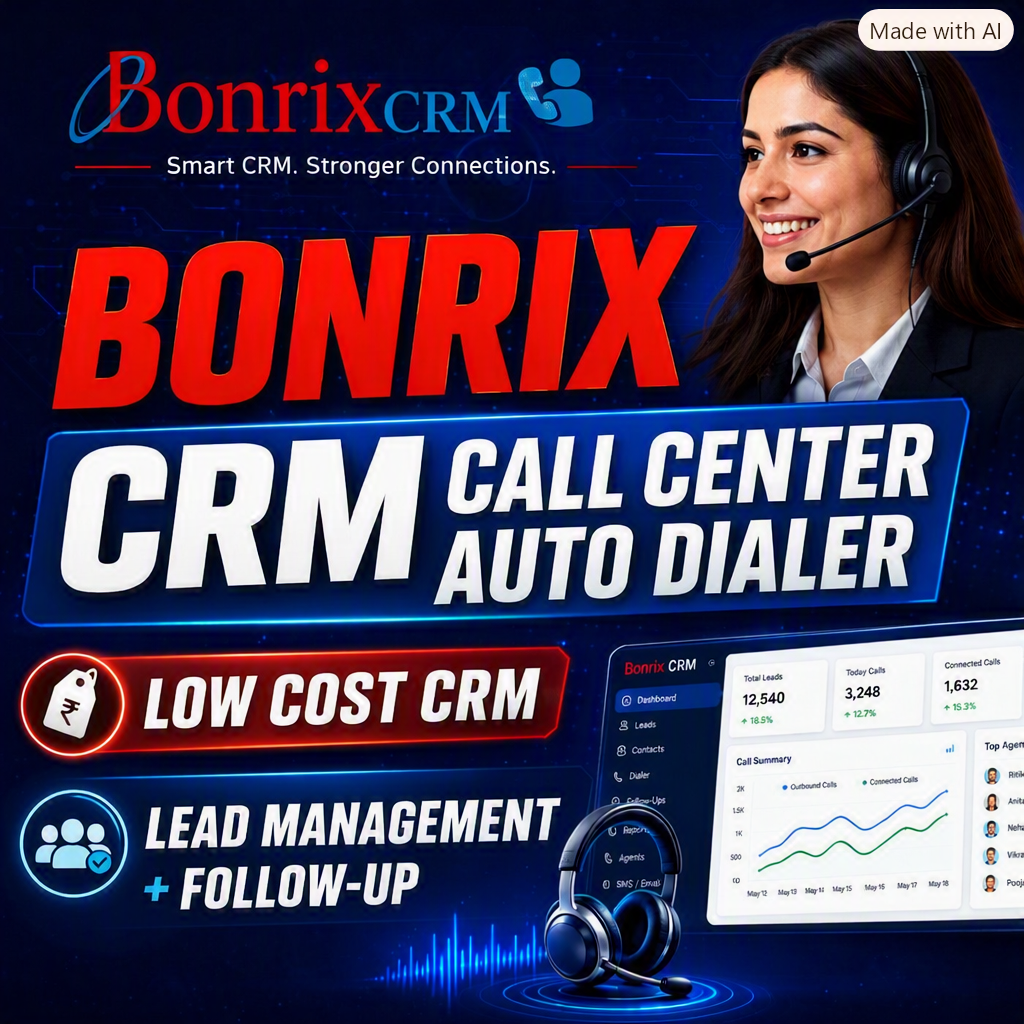
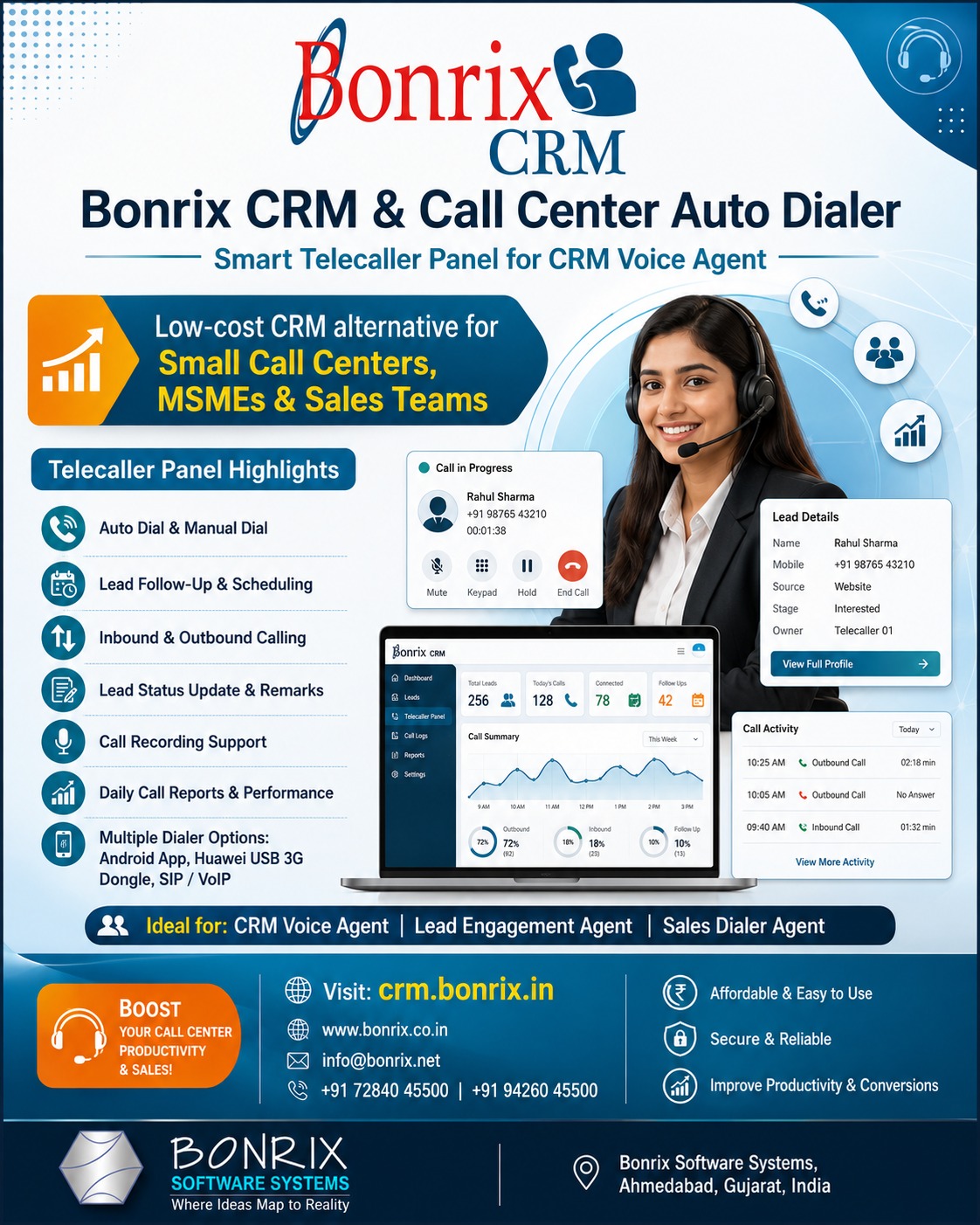
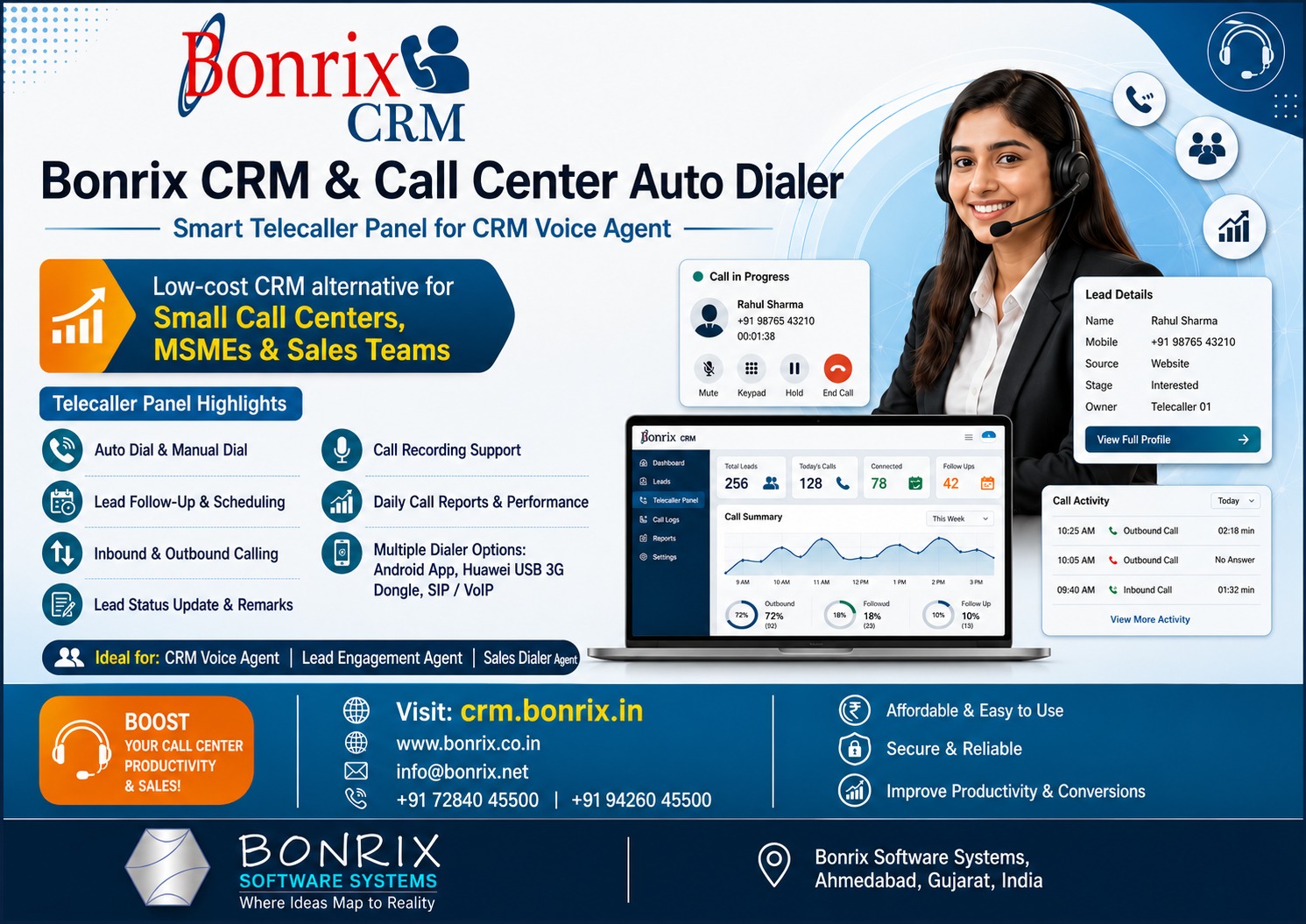
In the fast-paced world of sales, small call centers, growing organizations, and MSMEs often struggle with the exorbitant costs of prominent SaaS-based CRM solutions. Recognizing this gap, Bonrix Software Systems, based in Ahmedabad, Gujarat (India), has developed a highly efficient, ready-to-use, and affordable alternative: the Bonrix CRM & Call Center Auto Dialer System. Designed specifically as a low-cost alternative to prominent SaaS-based solutions, it provides enterprise-level capabilities to businesses of all sizes. This comprehensive general-purpose CRM and lead management tool streamlines customer outreach, enhances agent productivity, and maximizes sales conversions without the heavy enterprise price tag.
The Core Advantage: Unified Web-Based Telecaller Panel
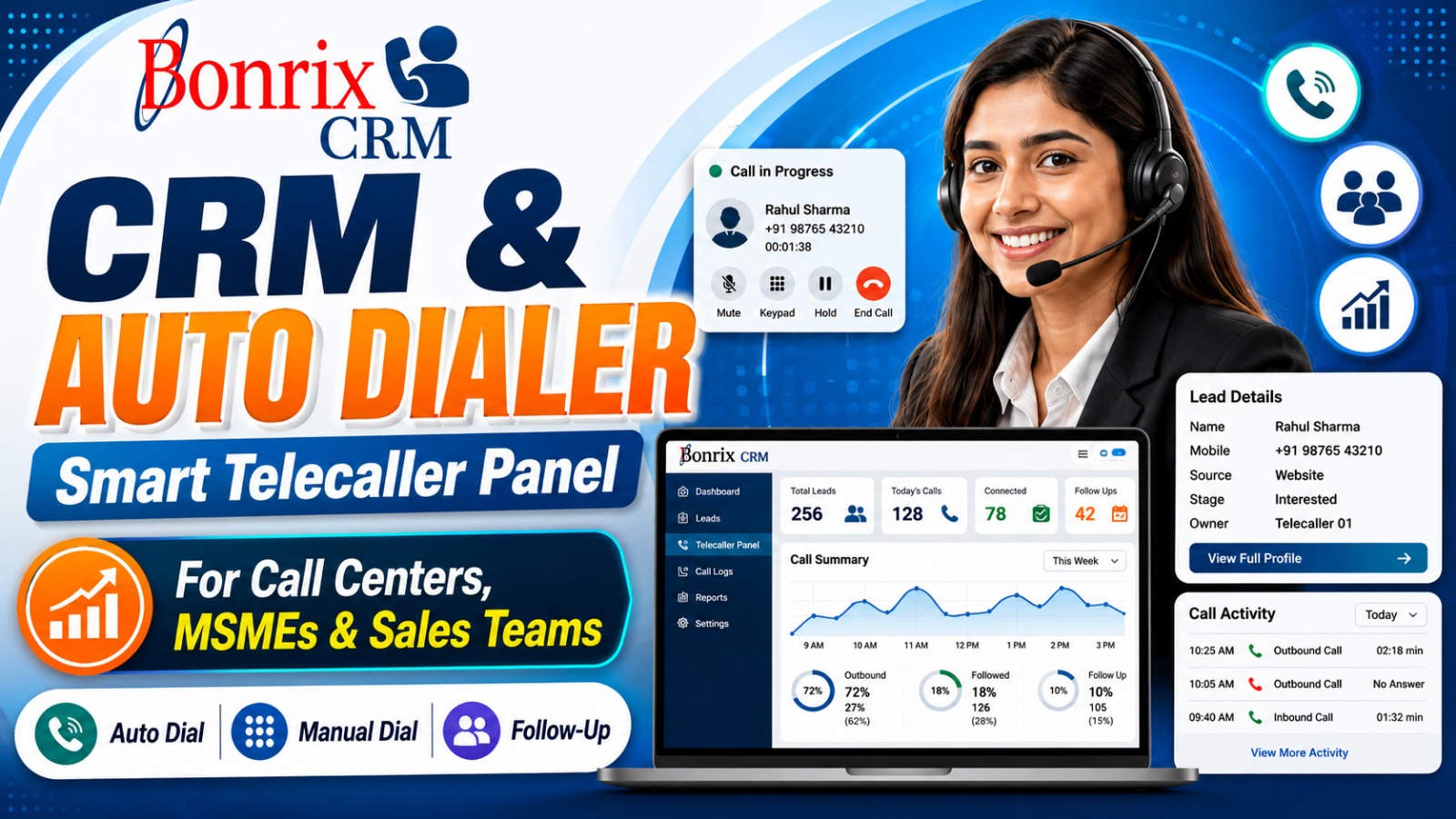
The standout feature is its intuitive, web-based Telecaller Control Panel. This dashboard serves as the central hub for agents, offering a quick-operation interface to seamlessly engage with leads. Whether performing manual outreach or utilizing the powerful auto-dial mode to rapidly cycle through prospects, the system ensures no opportunity is missed.
Key operational advantages include:
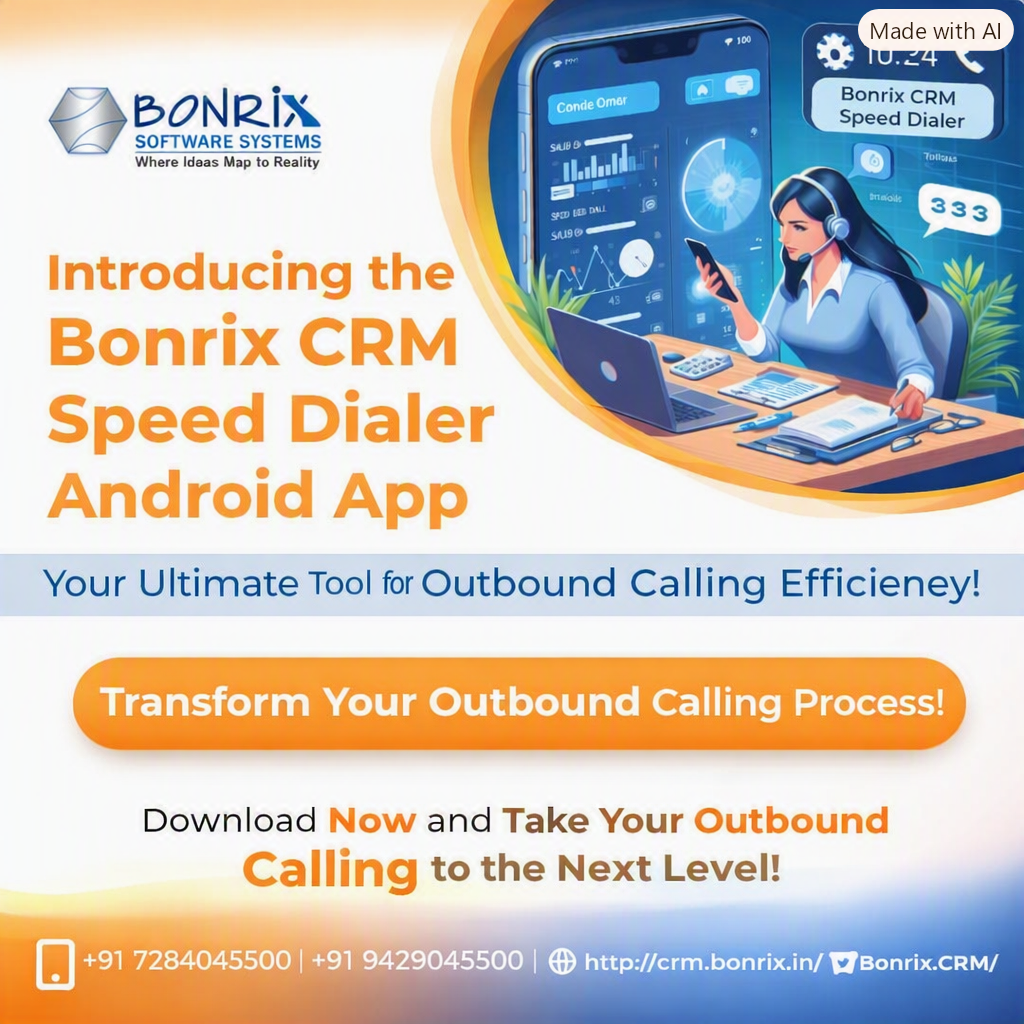
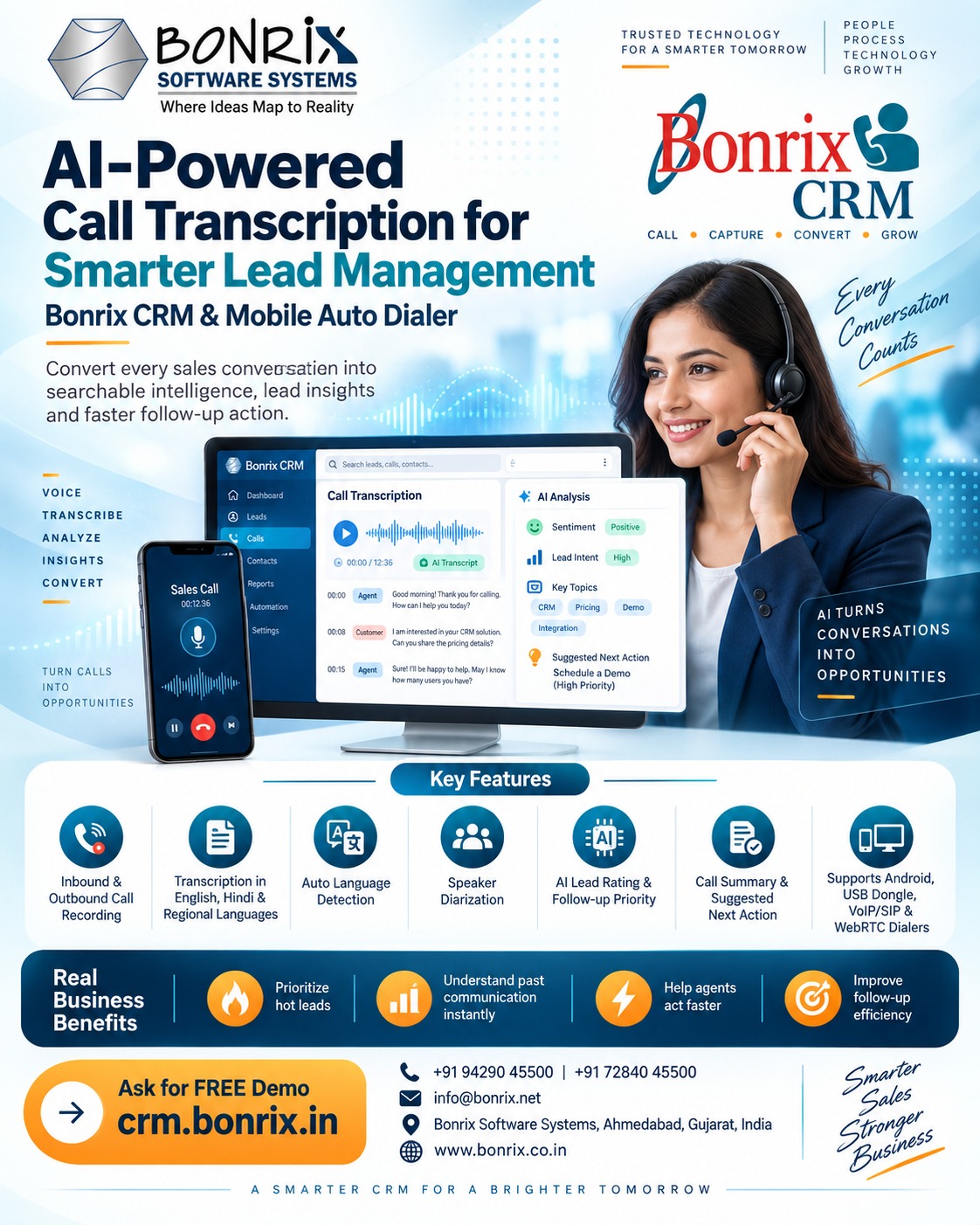
• Versatile Dialer Plugins: Supports Android App dialers, Huawei USB 3G dongle dialers, and VoIP/SIP dialers.
• Unified Inbound & Outbound Management: Handle both incoming queries and outbound pitches from a single pane. The system features a "screen pop" displaying customer information upon connection.
• Automated Audio Recording: Call recordings are automatically captured and linked to leads for quality assurance.
• Dynamic Lead Scheduling: Agents can schedule follow-ups, change statuses, add feedback, or mark leads as closed. New leads can be instantly created during inbound calls.
• Performance Analytics: Telecallers access full lead status summaries and smart reporting to monitor daily performance.
Exploring Portal Functionalities
The Bonrix Telecaller Portal is engineered for efficiency:
1. Agent Authentication: Secure sign-in ensures only authorized agents access sensitive customer data using assigned credentials.
2. Lead Management Dashboard: A centralized hub with views for All Leads, Today New Leads, Schedule Today, and Bulk WhatsApp campaigns.
3. Lead Details & Follow-Up: The comprehensive Action Menu allows agents to Call Now, Add Follow-Up, View Details, Schedule Lead, or Change Lead. Success entries allow selecting response types, scheduling the next touchpoint, and adding qualitative remarks. Failed attempts log specific outcomes such as "Call Waiting" or "No Answer" and automatically reschedule the lead for a more optimal time.
4. Call Reports & Analytics: Filter through All Call Logs, Success Logs, and Fail Logs. Detailed logs capture Telecaller Name, Customer Name, Duration, Timestamp, Status, and Process State.
Empowering the Modern Sales Workforce
The system is purpose-built for Sales Calling Executives, Outbound Calling Agents, Customer Engagement Agents, Lead Calling Agents, CRM Calling Agents, Inside Sales Agents, Sales Development Representatives (SDRs), Tele-Sales Executives, Voice Sales Agents, Call Center Executives, and Business Development Callers. By providing them with the right tools, businesses can drastically reduce manual data entry and focus purely on closing deals.
To align with modern industry standards and improve recruitment or internal team structuring, Bonrix recommends specific professional nomenclature:
• CRM Voice Agent: A modern, technology-oriented title.
• Lead Engagement Agent: Describes the responsibility of actively nurturing leads.
• Sales Dialer Agent: Connects the user directly to the Auto Dialer technology.
For marketing collateral, a strong phrase to adopt is:
“CRM Voice Agent – Smart Lead Calling & Follow-Up Executive”
Partner with Bonrix Software Systems
Ahmedabad, Gujarat (INDIA)
Website: https://www.bonrix.co.in
CRM Portal: https://crm.bonrix.in
Email: info@bonrix.net
Mobile: +91-7284045500 / +91-9426045500
Extended List of Related Hashtags
#BonrixSoftware #BonrixCRM #CallCenterAutoDialer #CRMSoftware #LeadManagementSystem #TelecallerSoftware #AutoDialerSystem #CallCenterSolutions #MSMEIndia #SmallBusinessCRM #SalesCRM #OutboundCalling #InboundCalling #LeadGeneration #SalesDialer #VoiceAgent #LeadEngagement #SDRTools #InsideSales #TeleSales #CustomerEngagement #CallCenterTechnology #VoIPDialer #SIPDialer #SalesAutomation #FollowUpSystem #LeadTracking #CallAnalytics #SalesReporting #CRMVoiceAgent #AhmedabadBusiness #GujaratTech #IndianSaaS #AffordableCRM #CallCenterOperations #LeadConversion #SalesDevelopment #BusinessDevelopment #OutreachCampaigns #BulkWhatsApp #AgentDashboard #CloudCRM #SmartDialer #SalesTech #CallCenterLife #TelecallingTips #SalesPipeline #CustomerOutreach #LeadNurturing #SalesOps #RevenueOperations #CallCenterManagement #TelemarketingSoftware #B2BSales #SmallCallCenter #VirtualCallCenter #SalesProductivity
Bonrix CRM & Auto Dialer – Telecaller Management Solution
Bonrix CRM & Auto Dialer – Telecaller Management Solution
.png)
.png)
.png)
.png)
.png)
.png)
.png)
| Login Details | Credentials | Web Link |
|---|---|---|
| Telecaller Login Panel |
https://telecrm.bonrix.in/
user id - sajan user password - sajan |
 |
| File Name | Download |
|---|---|
| Android Dialer | 📥 Download |
| DinstarSIP Trunk Dialer | 📥 Download |
| Huawei Dialer | 📥 Download |
| SIP Dialer | 📥 Download |
Videos
Bonrix CRM & Call Center Auto Dialer System – Smart Lead Calling, Follow-Up & Telecaller Management Solution
Bonrix Software Systems, Ahmedabad, Gujarat, India provides a ready-to-use CRM, Lead Management, Lead Follow-Up and Call Center Auto Dialer System for small call centers, MSMEs, startups, sales teams, service businesses, telemarketing companies and organizations looking for a practical, low-cost alternative to expensive SaaS CRM platforms.
🌐 Website: https://www.bonrix.co.in
🌐 CRM Portal: https://crm.bonrix.in
Bonrix CRM combines lead management, telecalling, follow-up scheduling, auto dialing, inbound/outbound calling and performance reporting in one platform.
📞 Smart Telecaller Control Panel
The Telecaller Panel is designed for CRM Voice Agents, Lead Engagement Agents, Sales Dialer Agents, Telecallers and Call Center Executives. Agents can view assigned leads, make calls, record feedback, update lead status and schedule the next action without switching between multiple applications.
Agents can work in Manual Dial Mode or Auto Dial Mode. Manual mode allows selection of a specific lead, while Auto Dial Mode can present and dial leads one after another to improve calling productivity.
☎️ Multiple Dialer Technologies
Bonrix CRM can support:
- ✅ Android App Dialer
- ✅ Huawei USB 3G Dongle Dialer
- ✅ VoIP Dialer
- ✅ SIP Dialer
- ✅ Call Center Dialing Solutions
📥 Inbound & 📤 Outbound Calling
Inbound and outbound calls can be managed through the Telecaller Panel. During calls, customer details, previous communication and lead status can be displayed to the agent. New inbound enquiries can also be converted into leads directly from incoming calls.
🎯 Complete Lead Management
Telecallers can:
- ✅ Call Now
- ✅ Add Follow-Up
- ✅ Add Feedback / Remarks
- ✅ View Lead Details
- ✅ Change Lead Status
- ✅ Schedule / Reschedule Next Call
- ✅ Mark Lead Open / Closed
- ✅ Review Call & Follow-Up History
Each lead can contain customer information, category, process state, remarks, communication details, follow-up history and call activity.
📅 Smart Follow-Up & Scheduling
Agents can schedule leads for a specific follow-up date and time. Scheduled leads can be automatically presented to the caller or selected manually.
For each call, the agent can record success/failure, select the lead state, enter customer response and add remarks. This creates a structured follow-up process and helps reduce missed opportunities.
🎙️ Automatic Call Recording Support
Depending on the dialer technology, call recordings can be associated with call activity for quality monitoring, dispute verification, telecaller training and review.
📊 Call Reports & Telecaller Performance
Reports can include:
- ✅ All / Successful / Failed Call Logs
- ✅ Today’s Call Summary
- ✅ New & Scheduled Leads
- ✅ Follow-Up Status
- ✅ Lead Status Summary
- ✅ Telecaller Activity
- ✅ Customer & Call Details
- ✅ Lead / Process State & Agent Remarks
👨💼 Suitable Roles
CRM Voice Agent • Lead Engagement Agent • Sales Dialer Agent • Telecaller • Call Center Executive • Sales Calling Executive • Outbound Calling Agent • Customer Engagement Agent • Lead Calling Agent • Inside Sales Agent • SDR • Lead Conversion Executive • Tele-Sales Executive
“CRM Voice Agent – Smart Lead Calling & Follow-Up Executive”
🚀 Why Bonrix CRM?
Bonrix CRM & Call Center Auto Dialer System is designed for businesses that need a practical and affordable CRM without the complexity and recurring cost of many SaaS platforms.
Useful for:
- ✅ Small Call Centers
- ✅ MSMEs & Startups
- ✅ Sales & Telemarketing Teams
- ✅ Customer Follow-Up Teams
- ✅ Real Estate Lead Teams
- ✅ Finance & Insurance Calling Teams
- ✅ Education Enquiry Teams
- ✅ Customer Support Teams
- ✅ Individual Sales Organizations
Turn customer enquiries into an organized lead calling and follow-up process with Bonrix CRM.
🌐 https://crm.bonrix.in
🌐 https://www.bonrix.co.in
📧 info@bonrix.net
📱 +91 72840 45500 / +91 94260 45500
#Bonrix #BonrixCRM #CRM #CRMSoftware #LeadManagement #LeadFollowUp #CallCenter #CallCenterSoftware #AutoDialer #CRMWithDialer #Telecaller #Telecalling #Telemarketing #CRMVoiceAgent #LeadEngagementAgent #SalesDialerAgent #CallCenterAgent #OutboundCalling #InboundCalling #InsideSales #SDR #FollowUpManagement #CustomerEngagement #SalesAutomation #DialerSoftware #AndroidDialer #SIPDialer #VoIPDialer #HuaweiDongle #USBDialer #CallRecording #CallLogs #CallAnalytics #TelecallerPerformance #SalesCRM #BusinessCRM #CustomerRelationshipManagement #SalesPipeline #SalesManagement #BusinessAutomation #MSME #MSMEIndia #SmallBusinessIndia #StartupIndia #AhmedabadBusiness #GujaratBusiness #MadeInIndia #SoftwareCompany #BusinessSoftware #AffordableCRM #LowCostCRM #CRMIndia #CallCenterIndia #TelemarketingIndia #CustomerSupport #ContactCenter #VoiceCRM #SmartCRM #BusinessGrowth #SalesGrowth #Productivity #BonrixSoftwareSystems
📞 Bonrix SmartCRM Auto Dialer – Complete Product Demo
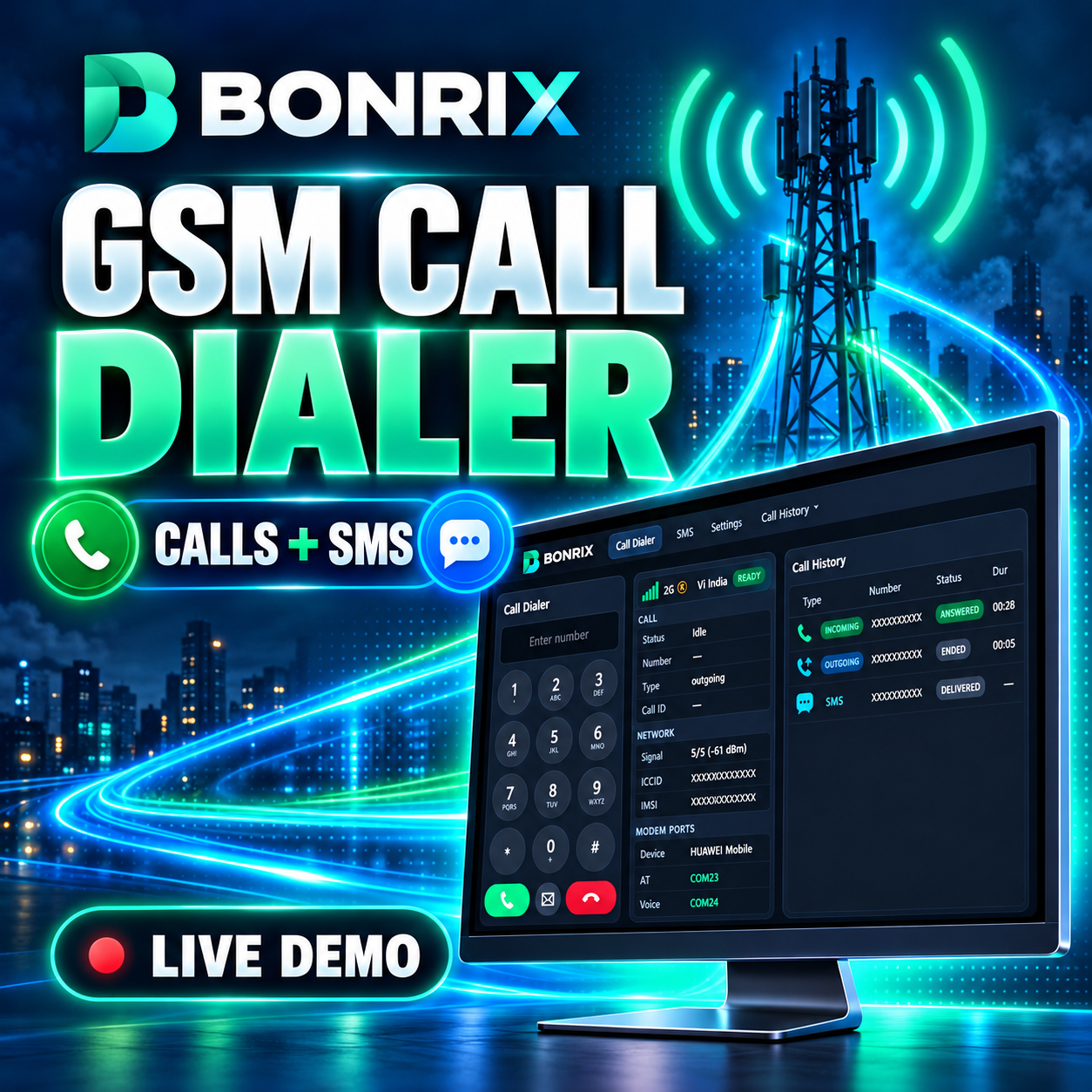
Watch Bonrix SmartCRM’s category-wise Auto Dialer working with the Bonrix desktop GSM Dialer. This demo shows how telecalling and sales teams can manage leads, make SIM-based GSM calls, track call activity and schedule customer follow-ups from one connected CRM workflow.
Bonrix SmartCRM helps businesses organize leads by category, automatically dial customer numbers through a connected GSM modem, view lead details during calls and record the outcome of every conversation.
🚀 FEATURES DEMONSTRATED
- ✅ Category-wise automatic lead dialing
- ✅ Date-range lead search
- ✅ Category-wise lead count
- ✅ Start and stop auto dialing from the CRM
- ✅ Lead details displayed during calling
- ✅ Desktop GSM Dialer integration
- ✅ Connected modem and network information
- ✅ Live call status: ringing and ended
- ✅ Outgoing call history
- ✅ Phone number, call status and call duration
- ✅ Call audio playback and download
- ✅ Successful-call follow-up form
- ✅ Lead status and customer response update
- ✅ Next follow-up date and time scheduling
- ✅ Remarks and conversation notes
- ✅ Failed-call response options
- ✅ Busy, Call Waiting and Switched Off status
- ✅ Network Error and Number Does Not Exist status
- ✅ Ringing No Response status
- ✅ Follow-up countdown timer
- ✅ End-call controls from the CRM
💼 USE CASES
- • Telecalling teams
- • Sales and marketing teams
- • Call centers
- • Customer support teams
- • Lead-generation businesses
- • Outbound calling teams
- • Customer follow-up management
🎯 BENEFITS
Bonrix SmartCRM reduces manual dialing work, keeps call records organized and helps teams manage customer follow-ups efficiently. Managers and operators can track calling activity, update lead status and maintain proper follow-up records.
📌 GSM CALLING
GSM Calling means making calls through a SIM card inserted into a connected GSM modem. The CRM controls the dialing process, while the call is placed through the mobile network.
📞 FOR DEMO & SALES ENQUIRIES
📞 Call: +91 7284045500
📧 Email: crm.bonrix@gmail.com
🌐 CRM Website: https://crm.bonrix.in/
🌐 Company Website: https://www.bonrix.co.in/
📍 Location: Bonrix Software Systems, Ahmedabad, Gujarat, India
Contact Bonrix to learn more about SmartCRM, GSM Calling, Auto Dialer and Lead Management solutions.
👍 Like this video, share it with your team and subscribe for more Bonrix product demonstrations.
#Bonrix #BonrixSmartCRM #SmartCRM #AutoDialer #GSMCalling #GSMDialer #TelecallingSoftware #CRMSoftware #LeadManagement #SalesAutomation #FollowUpManagement #CallHistory #CallRecording #OutboundCalling #SalesDialer #CallCenterSoftware #CustomerSupport #BusinessAutomation #SalesTeam #LeadTracking #Telemarketing #MadeInIndia
📞 Bonrix SmartCRM Incoming Call Management with Desktop GSM Dialer
Watch how Bonrix SmartCRM works with the Bonrix Desktop GSM Dialer to manage incoming customer calls, display matching lead records, update customer responses, and schedule follow-ups from one CRM interface.
This video demonstrates the workflow from receiving an incoming call to saving follow-up details and reviewing the updated lead information.
For telecalling and sales teams, having customer details available during a call helps maintain conversation continuity. With the demonstrated Bonrix SmartCRM workflow, the operator can review matching records and record the next action after speaking with the customer.
🎥 FEATURES DEMONSTRATED IN THIS VIDEO
- ✅ Incoming Call Notification: View an incoming call alert with the caller’s number so the operator can identify the call and take action.
- ✅ Answer and Hang-Up Controls: Use the desktop GSM dialer’s call controls to answer an incoming call or end the conversation.
- ✅ Matching Lead Details: View lead records associated with the incoming caller’s mobile number. The displayed list includes information such as lead ID, name, mobile number, lead state, progress state, and category.
- ✅ Desktop GSM Dialer Integration: See the Bonrix desktop dialer working alongside the web CRM, bringing calling and lead management into the same workflow.
- ✅ Modem and Network Information: The dialer interface displays connected modem details, network information, signal status, and communication port information.
- ✅ Incoming Call History: Review incoming call entries with the caller number, call status, and duration to understand recent calling activity.
- ✅ Category and Lead Selection: Select the relevant category or lead while entering follow-up details, helping the operator attach the update to the appropriate record.
- ✅ Lead Status Updates: Update the lead state after the conversation to reflect the current stage of the customer enquiry.
- ✅ Customer Response Entry: Select the customer’s response to record the outcome of the conversation and support the next follow-up action.
- ✅ Follow-Up Scheduling: Set a follow-up date and time when another customer interaction is required.
- ✅ Customer Remarks: Add notes about the conversation, customer requirements, pending information, or the next action.
- ✅ Save and Review Updates: Save the follow-up information and review the updated details in the All Leads section.
🔄 WORKFLOW SHOWN
Incoming customer call → View matching lead details → Answer using the GSM dialer → Complete the conversation → Select the relevant lead → Update status and response → Schedule the next follow-up → Add remarks → Save the update.
💼 WHO CAN USE THIS WORKFLOW?
- • Telecalling teams handling customer enquiries
- • Sales teams managing leads and callbacks
- • Customer support staff recording conversation outcomes
- • Businesses using a desktop GSM dialer with their CRM
- • Operators who need customer records available during incoming calls
Keeping call activity and follow-up information organized helps teams review previous interactions and understand what needs to happen next. Customer remarks also provide useful context when the same lead is handled again.
Bonrix SmartCRM brings lead details, customer responses, and follow-up scheduling together to support an organized calling process.
📞 FOR DEMO & SALES ENQUIRIES
📞 Call: +91 7284045500
📧 Email: crm.bonrix@gmail.com
🌐 Website: https://crm.bonrix.in/
📍 Location: Bonrix Software Systems, Ahmedabad, Gujarat, India
Contact us to discuss Bonrix SmartCRM and desktop GSM dialer integration for your business.
👍 Like this video if you found the demo useful.
💬 Comment with your CRM and telecalling requirements.
🔔 Subscribe for more Bonrix software demonstrations and product updates.